January 5th, 2025
New
Fixed

Release 0.5.18
Tadaa 🎉 You can now edit your account details and add a profile image to KULG App on desktop and mobile 💁♀️📱 So, go ahead, make it yours!
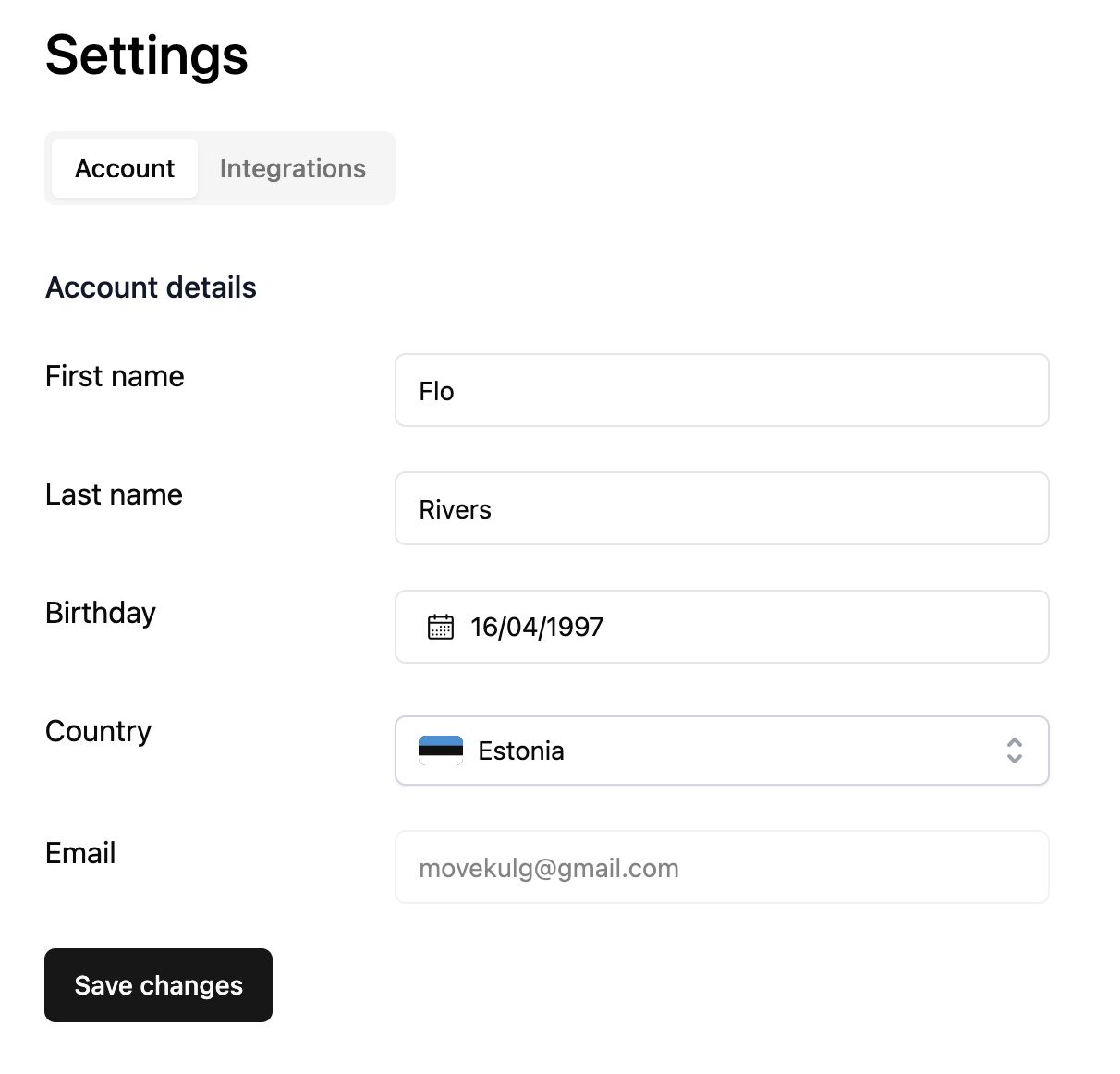
Here’s what you can do under Settings:Define and save your name, birth date and country on your KULG profile under account details
Import training history by file upload and find available integrations under the Integrations tab
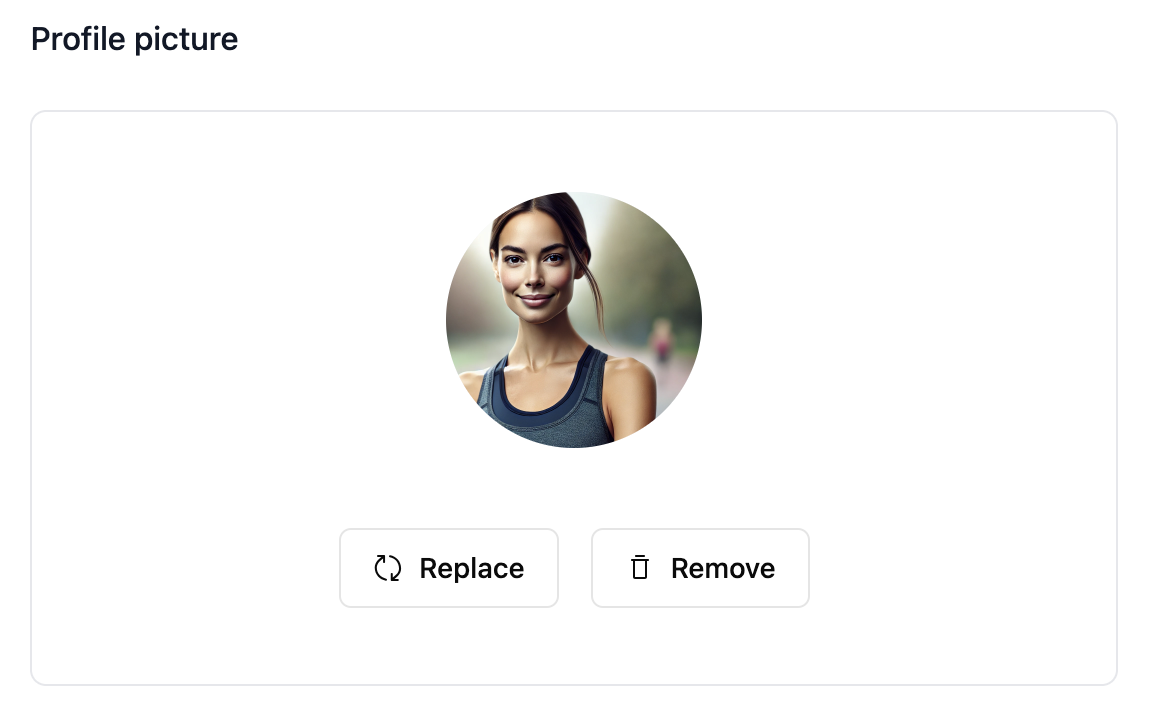
See your profile image in the header and replace or remove it
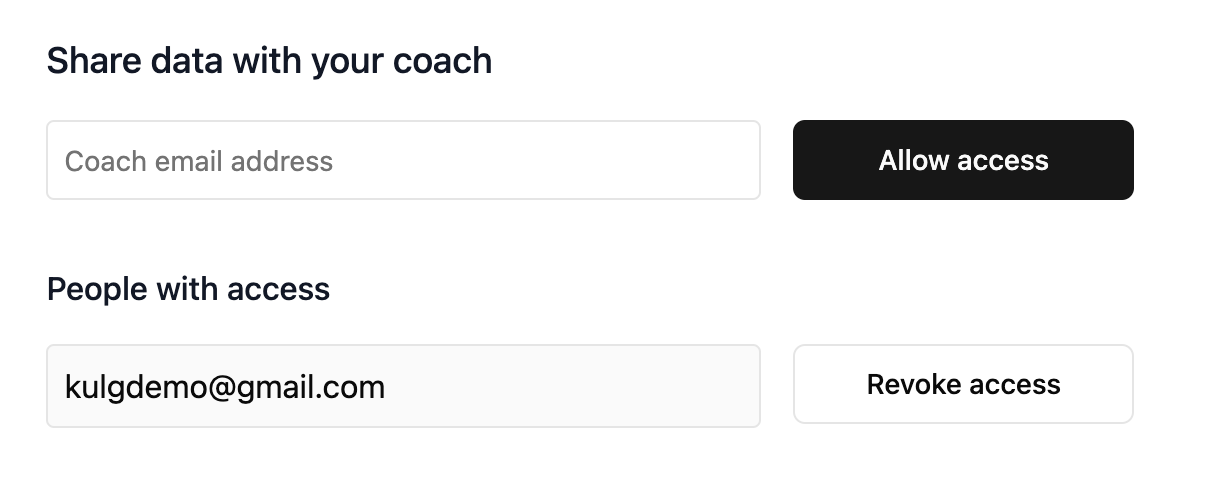
Grant your coach (or training buddy) access to view your KULG data. See the list of people who have access to your data and revoke access if you no longer want to share it. P.S. When allowing someone access to your KULG data, make sure the email is correct and that the person has a KULG account linked to that specific email.
You can now do all the same things on mobile 😍
Manage your account details and access Integrations under Settings
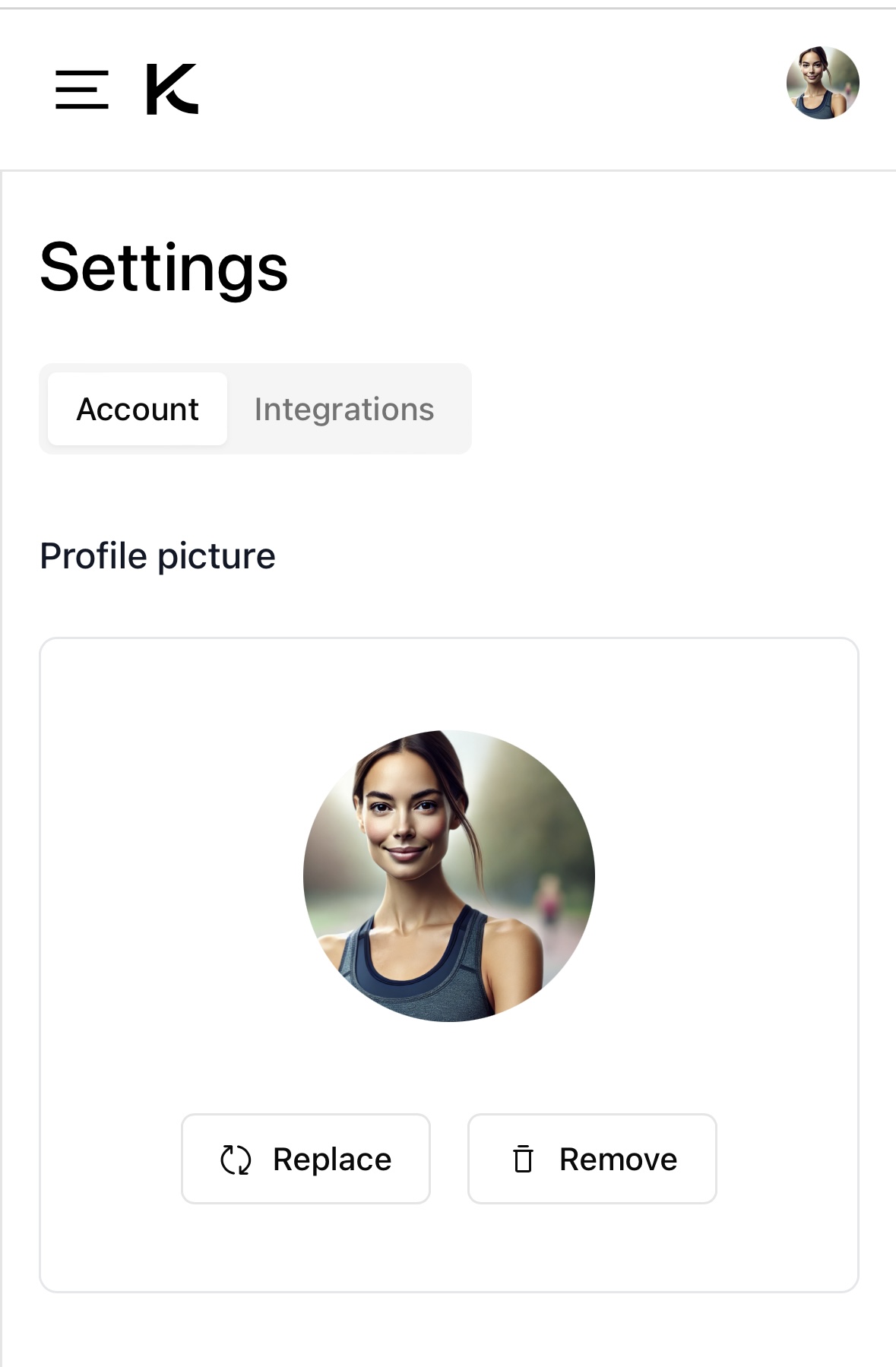
See and edit your profile
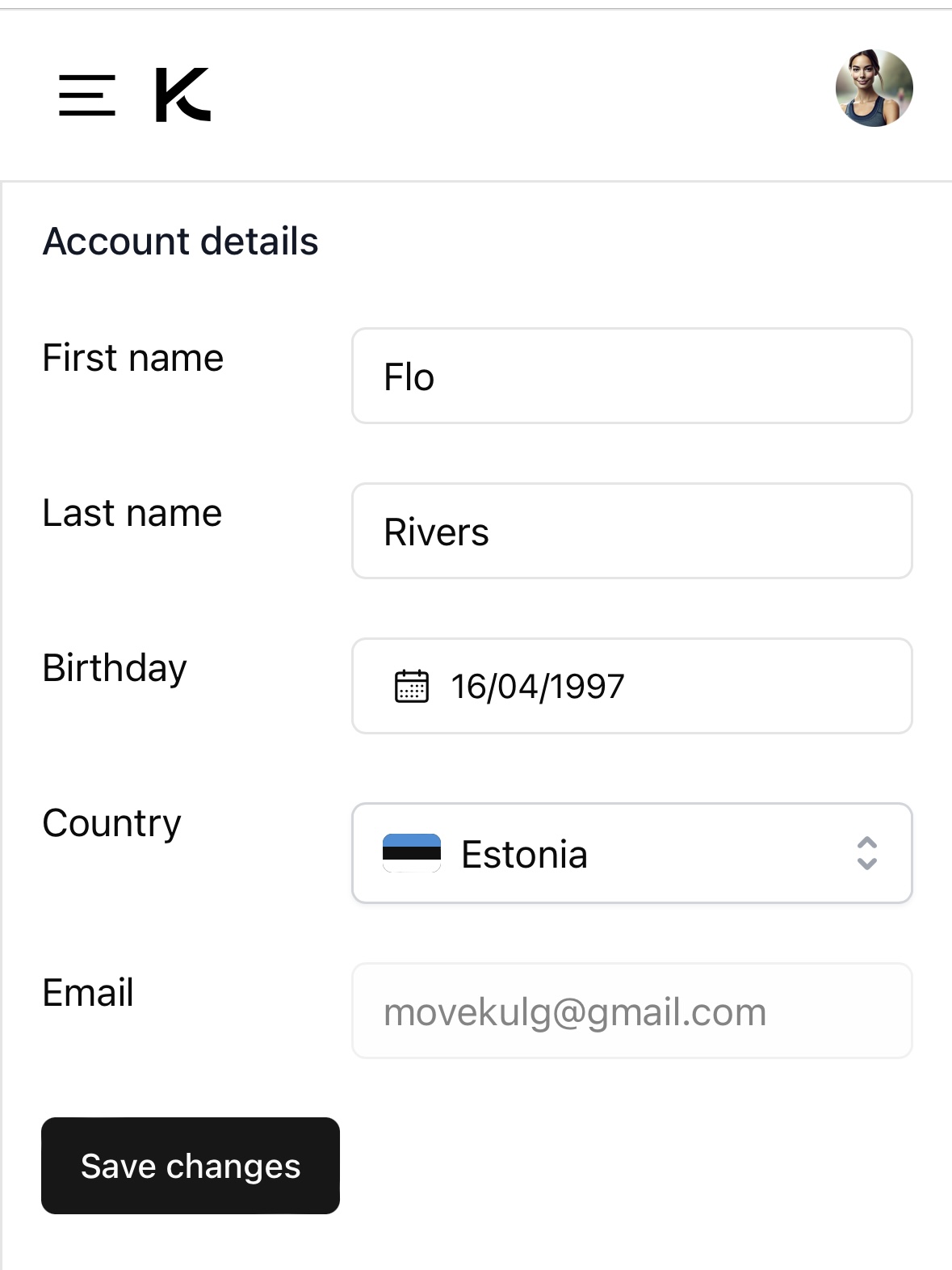
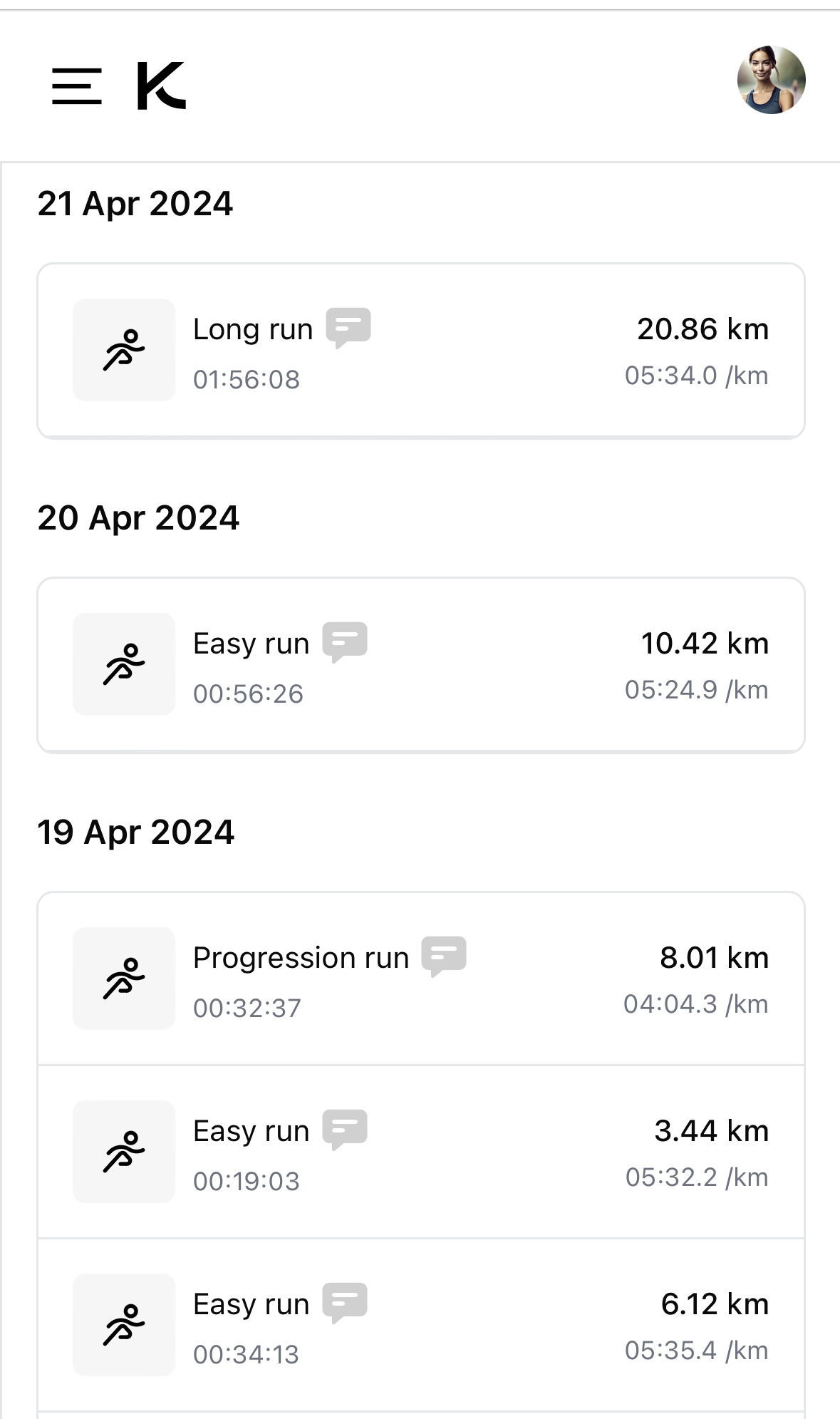
See your profile image in the header
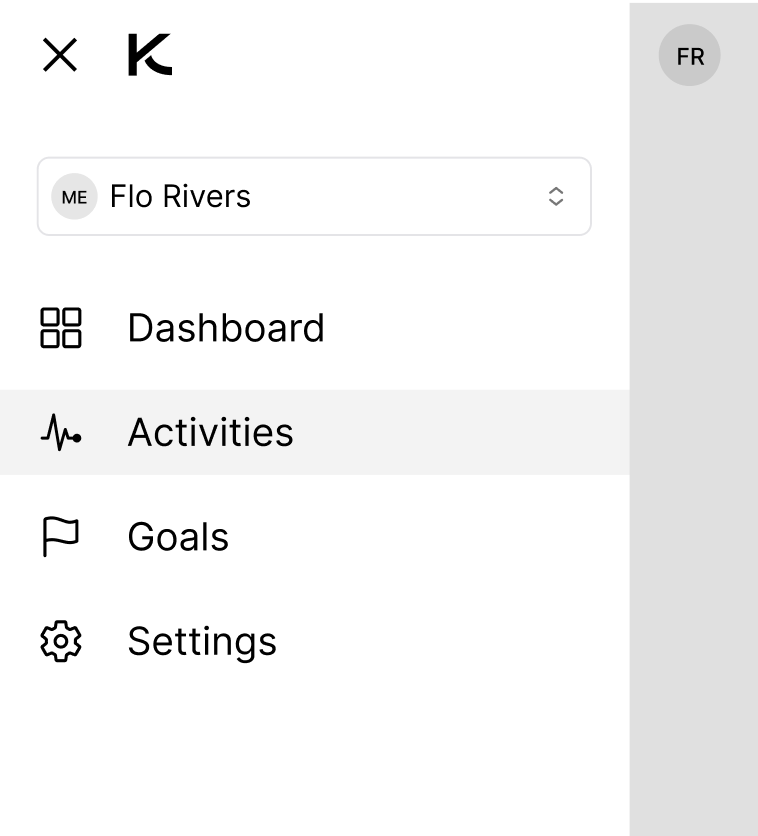
Switch to view another account to which you have access as a coach or running buddy
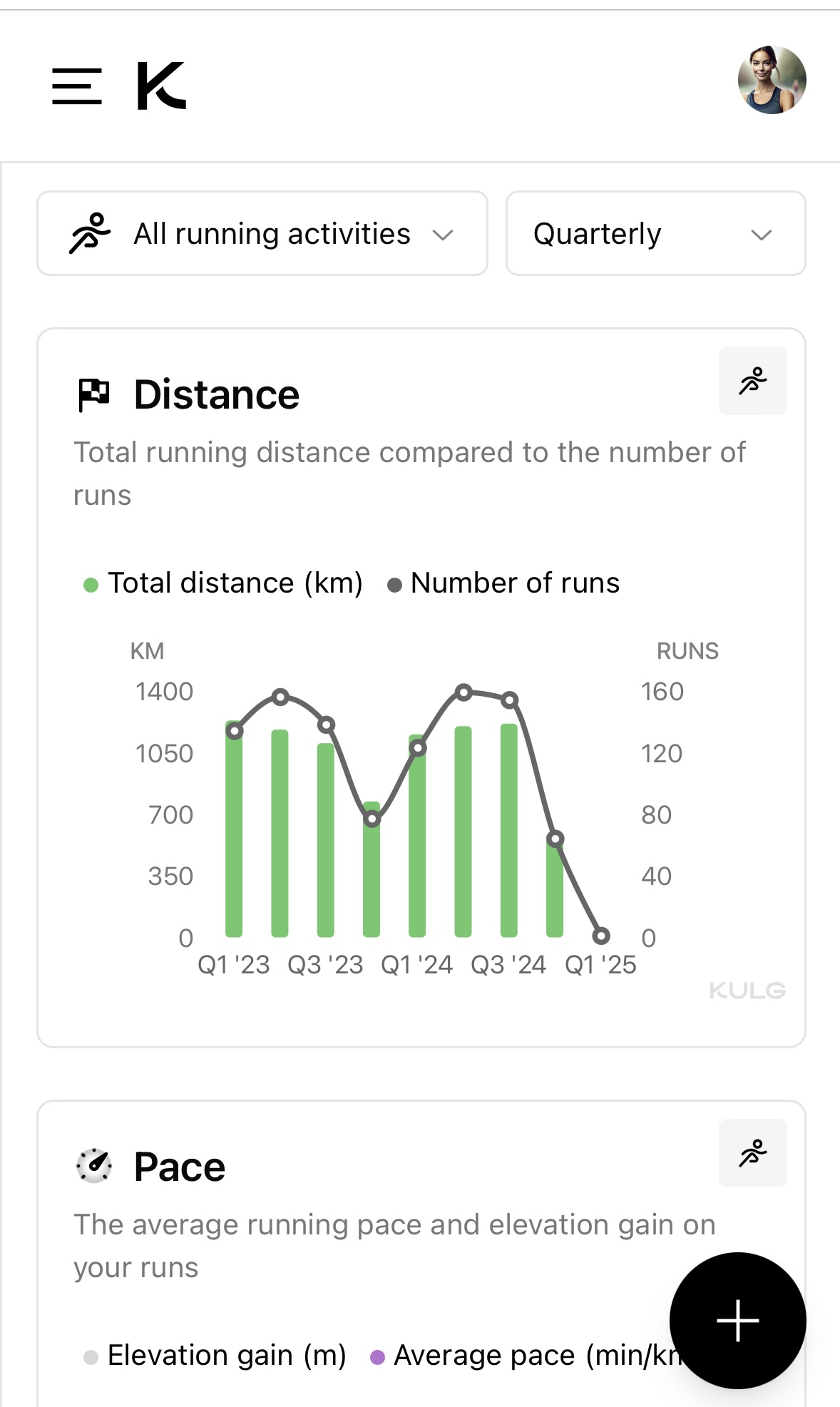
We also fixed an issue that was causing the activities to be grouped by wrong dates on mobile 📆