December 18th, 2024
New
Improved
Fixed

Release 0.5.13
We’ve revamped the total activity bar into a brand new Activity summary on top of the Dashboard view to offer a faster way to track your training progress 🎯
Here’s what you can now see for the selected time frame:
different types of running activities by distance, summing up the total run distance
different types of running activities by duration, summing up the total run time
different types of cross-training by duration, summing up the total activity time
you can see all of this info also if you filter by a certain type of run
→ Read more about Activity summary
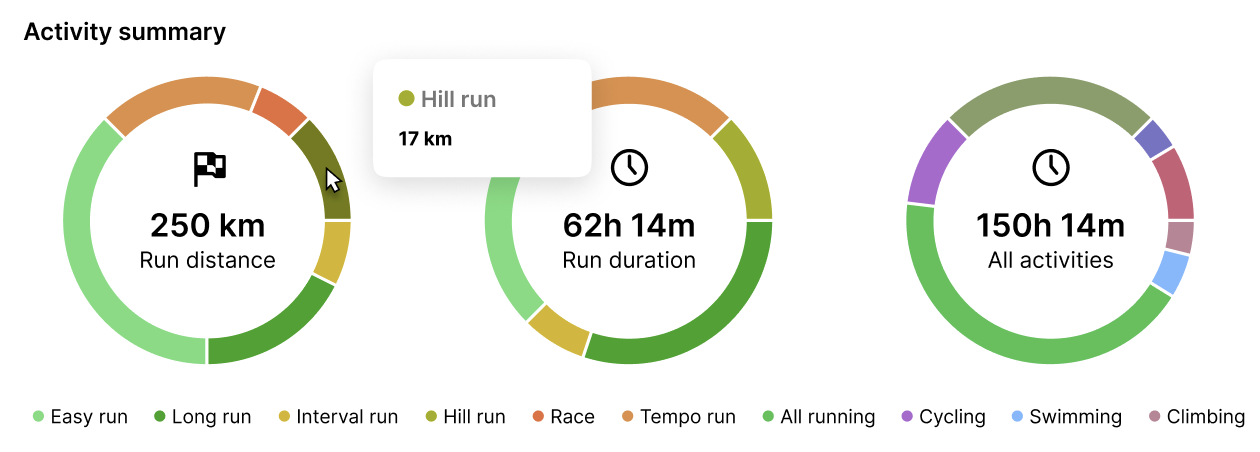
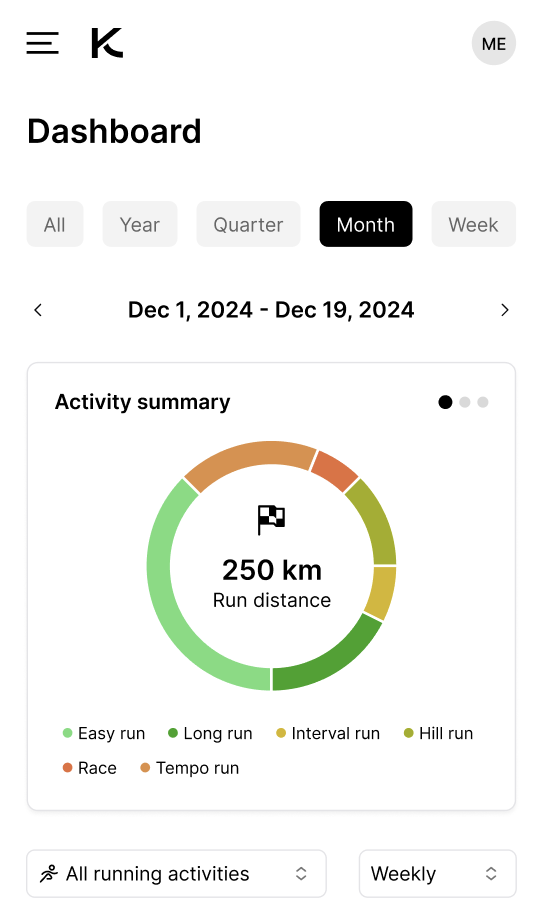
And what’s more, Activity summary is also already available on mobile with a number of improvements on dashboard 🤩 You can now use the date picker on mobile and we’ve brought the preset time frames out for quick access.
Ever wondered how much of your monthly run distance goal you’ve already completed? 🤔 Just log in to KULG on mobile, tap on “Month” and you’ll have your answer ✅ You can also filter this by type of run and easily see for example how much time you’ve spent racing 🏆
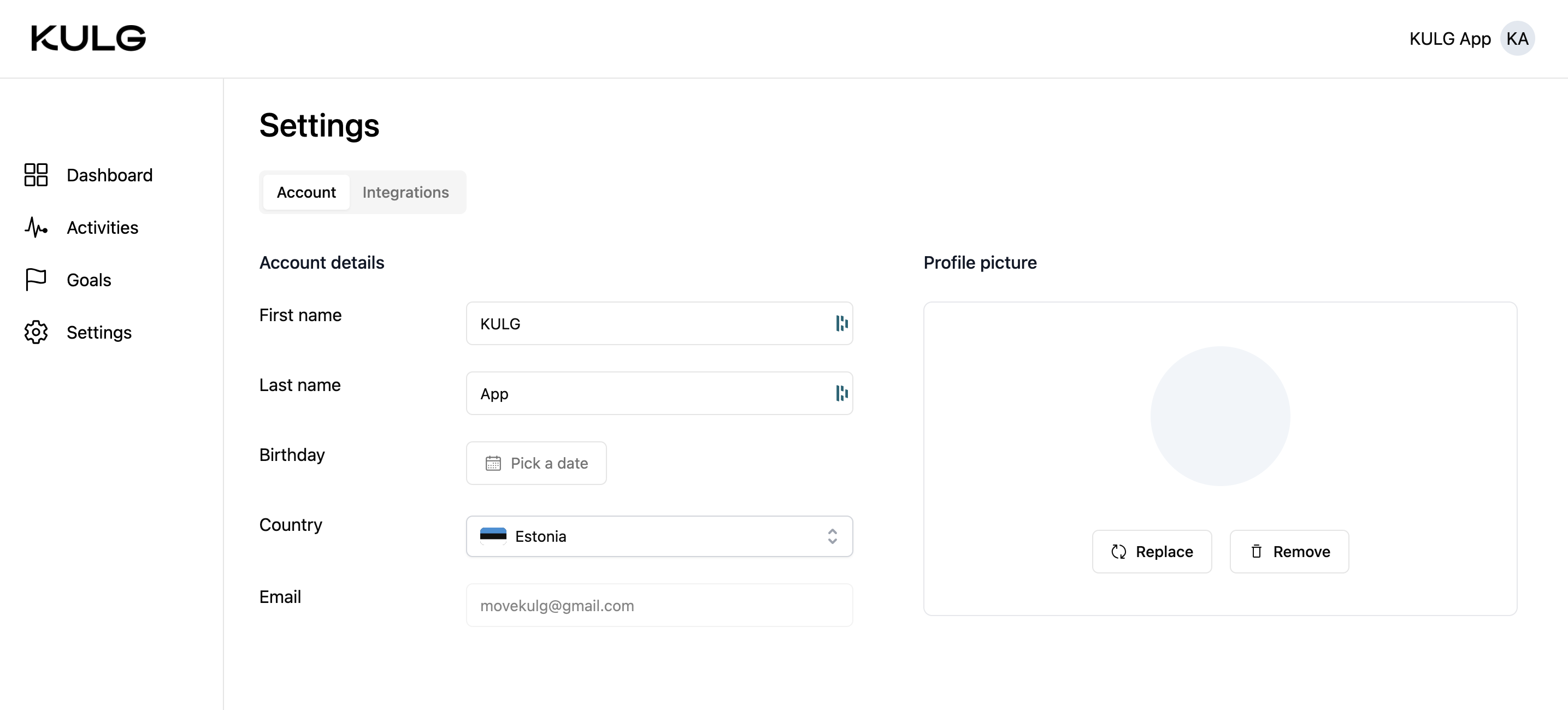
On desktop you can now also see your name in the header of the app and your account details taken from your Google account under Settings. NB! Please hold off with edits just yet, we’re still adding the functionality to save your edits and add your profile picture 💁♀️
We’ve also added a link to the activity modal that will take you straight to your activity in Strava once you have Strava activity sync enabled 😍 This way, if you want to see more details about your specific activity, you can quickly check it on Strava. We are still waiting for Strava’s final approval to make this integration available for you! ⏱
We’ve also fixed the horizontal scroll on desktop Activities view.