Oura: sync health and recovery data
How to sync health and recovery data from Oura
Written By KULG App
Last updated About 1 month ago
Runner (incl free)
You can bring your health and recovery data directly from Oura into your KULG account to get a more complete picture of your training and recovery. This integration helps you connect how you sleep, recover, and perform. Oura integration is not meant for syncing workouts.
🔓 You can use Oura integration to sync recovery data and/ or recovery history to KULG App. You can share additional health data with KULG, which will enable KULG to generate more personalised training insights to you. To use recovery sync, make sure your Oura app version is 7.3.0 or later.
✏️ If you have both Garmin and Oura integrations enabled in KULG, Oura data will backfill the recovery details - HRV, resting heart rate and sleep score - in KULG. The edited/ manually added recovery data will NOT be overwritten with Oura data. When you disconnect Oura, the integration is removed from both KULG and Oura, but any historic data already synced stays in your KULG account.
Sync recovery ☑️ | Syncing recovery ✅ Recovery history ✅ |
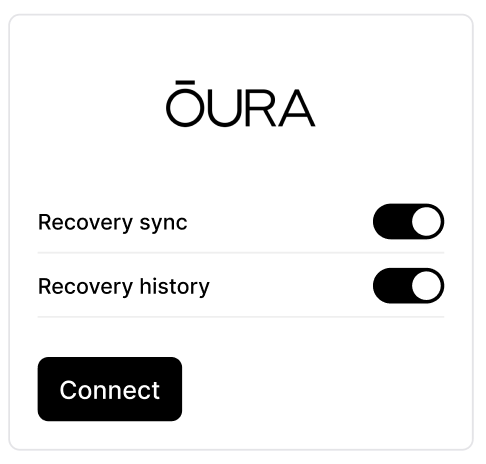 | 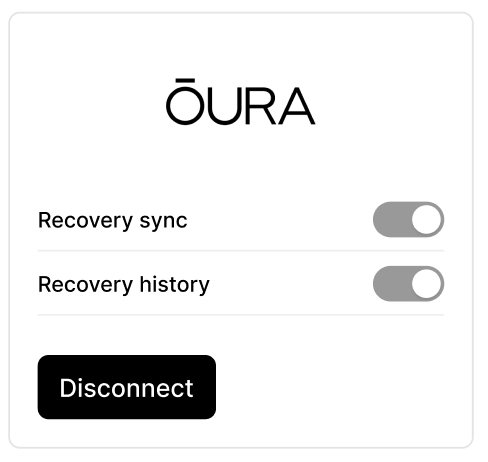 |
Syncing enabled ☑️ | Syncing disabled |
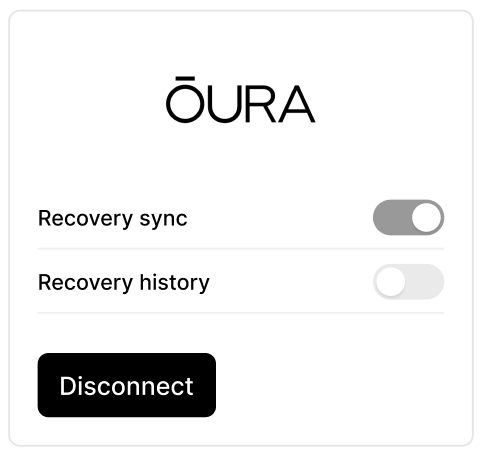 | 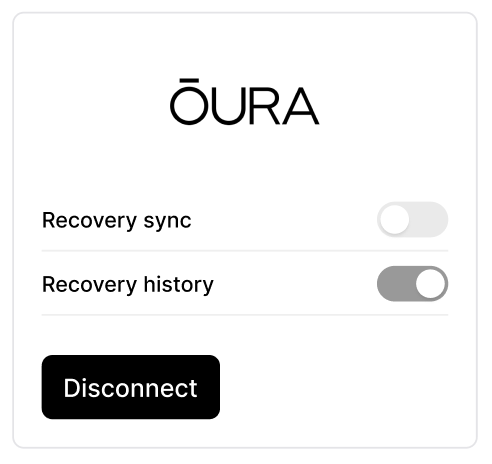 |
Syncing recovery and health data from Oura to KULG
Log in to your KULG account
Navigate to Settings in the KULG App and select the Integrations tab
Choose if you would like to only sync recovery or import recovery history, or do both - disable the option you do not wish to use by clicking on the switch
Click Connect with Oura. You can enable multiple integrations. If you enable both Garmin and Oura integrations and sleep with your watch, Oura data will be used to fill the missing resting HR, HRV, and sleep score. You can use Oura only to backfill your history, not sync your recovery data, should you wish to get all data from Garmin.
Authorise Oura and decide what type of health and recovery data you would like to send to KULG to get more accurate and personalised training insights
After authorising Oura you’ll be directed back to KULG Settings page - check if your selected option(s) are dark grey and light grey if they were not selected. Once connected, the button will change to Disconnect.
Your full Oura recovery history will be imported to KULG shortly (i.e. you cannot import your recovery history partially), and the recovery details - HRV, resting heart rate, sleep score - will become visible in Activity details and Dashboard (Recovery and Sleep graphs). You can already see results when refreshing the page. Please give a few minutes for the full history to sync.
As you upload new activities to KULG, the recovery details of that particular day will automatically appear with your Activity details. The recovery details may not be visible immediately since Oura sends the information to KULG once a day.
If Oura recovery history is enabled, data will only update fields that are currently empty to avoid overwriting relevant data. If you add a manual activity or edit the recovery data or choose to edit resting HR, HRV, or sleep score, then Oura will not overwrite it.
If you disconnect Oura, the integration is removed and the button changes back to Connect, but any data already synced will remain visible in your KULG account.
Recovery data synced from Oura to KULG
Oura recovery data - HRV, resting heart rate, and sleep score - is stored in KULG per day. Currently, this data is visible under specific Activities, and recovery trends are automatically displayed in Sleep and Recovery graphs in the Dashboard.
KULG automatically imports the following recovery metrics from Oura each day:
HRV (Heart Rate Variability)
Resting heart rate
Sleep score
Sleep score conversion
To keep recovery data consistent across all integrations, KULG converts Oura’s sleep score into our universal 5-point scale. You can always manually adjust this in KULG if needed.
Additional health data that can be shared from Oura to KULG
If the permissions are given during Oura authorisation, KULG also stores additional Oura health data to enable more personalised training insights. Some of these details are displayed under Settings » Account and can be edited manually:
Biological sex
Height (metric)
Weight (metric)
Tags
Sleep hours
Body temperature
Stress
Readiness score
With Oura connected, you’ll get deeper context on how recovery influences your training, helping you make smarter, more informed decisions to improve both performance and wellbeing.